Products and customers
Status, priority, which products a deal applies to and which customers get it.
Status and priority
| Field | What it does | Default |
|---|---|---|
| Deal name | Only you see this. Shoppers see the offer labels. | Depends on the type |
| Status | Active, Draft or Paused. Only Active deals apply to your store, within their schedule. | Draft |
| Priority | Only matters if two deals include the same product. The higher number applies; a product shows one deal. | 0 |
Applies to
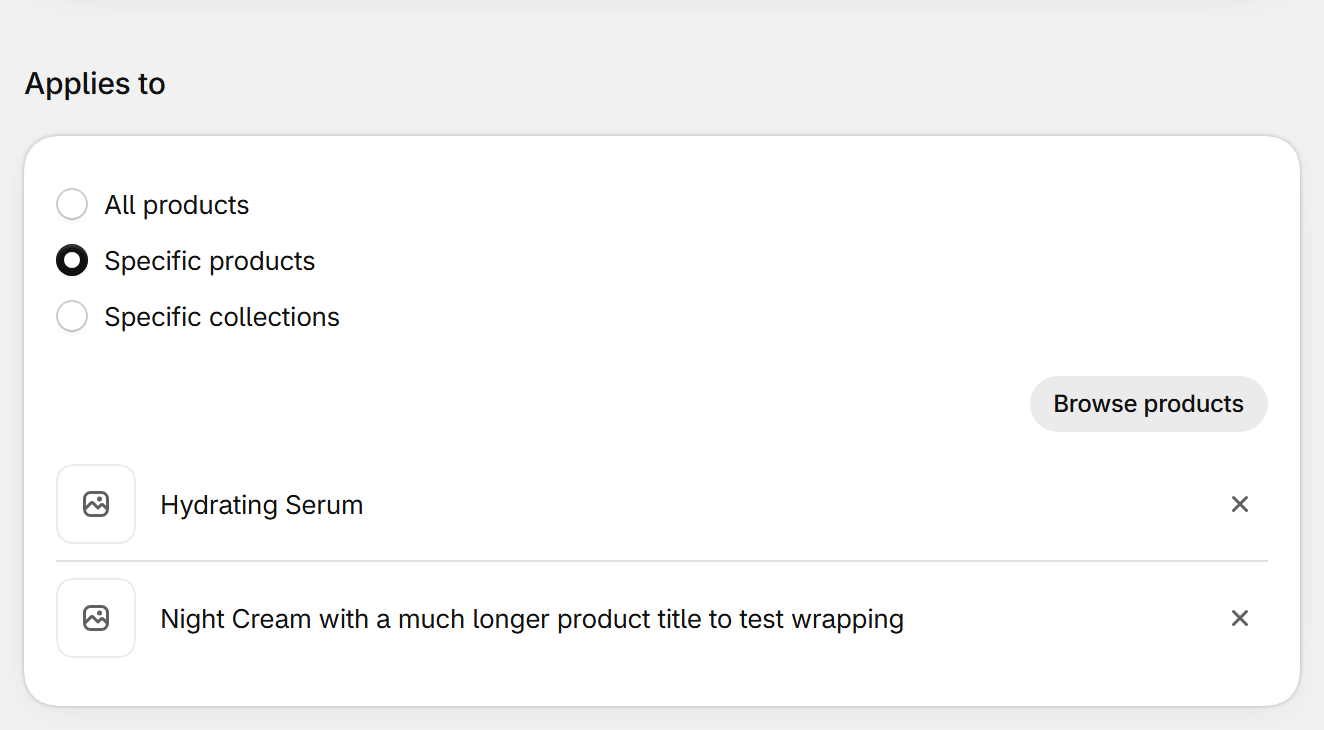
| Field | What it does | Default |
|---|---|---|
| All products | Every product in your store. | Selected |
| Specific products | Only the products you pick. | |
| Specific collections | Products in the collections you pick, including products added to them later. | |
| Excluded products | Products that never get the deal, even if they match. | None |
Customers
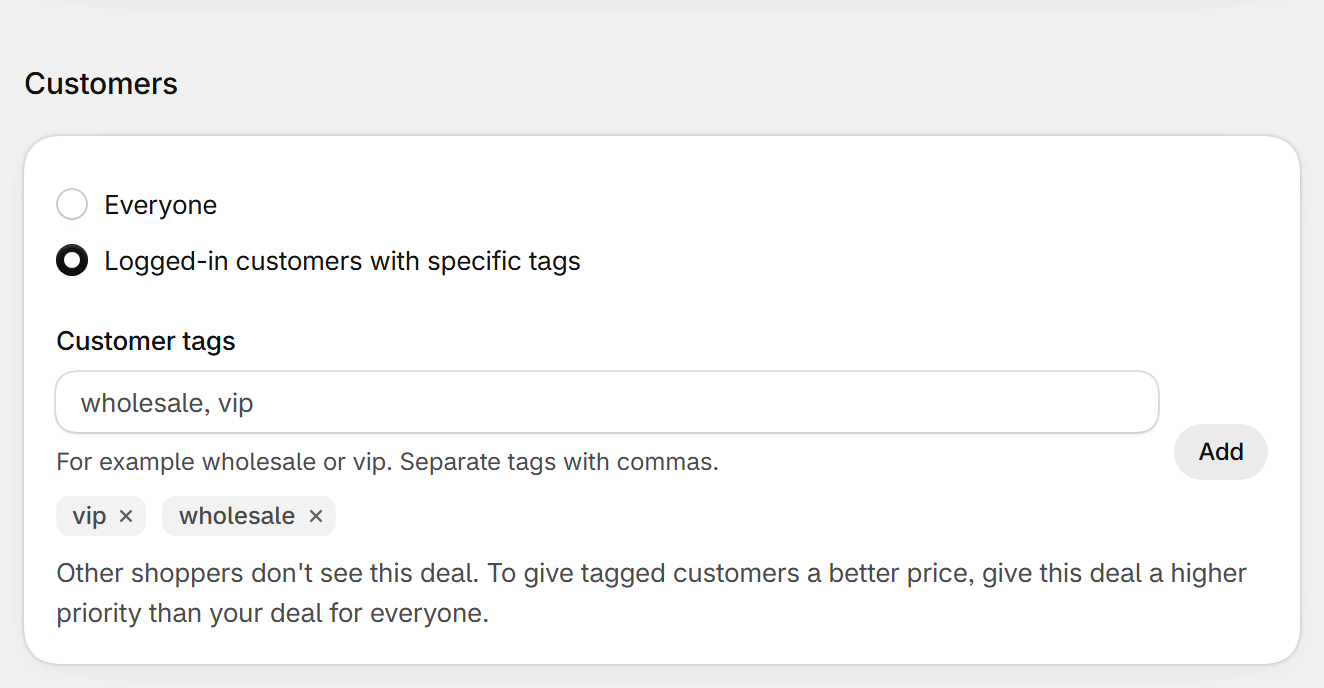
- To give tagged customers a better price than everyone else, give their deal a higher priority than your deal for everyone.
| Field | What it does | Default |
|---|---|---|
| Everyone | Every shopper sees and gets the deal. | Selected |
| Logged-in customers with specific tags | Only logged-in customers with at least one of the tags see the offers and get the discount. Others see the normal page. | |
| Customer tags | Type a tag and click Add, or separate several with commas. Add tags to customers in your Shopify admin under Customers, or with your B2B or loyalty app. | None |
Still stuck? Email [email protected].