App settings
Combine with other discounts, subscriptions and the button under the offers.
Combine with other discounts
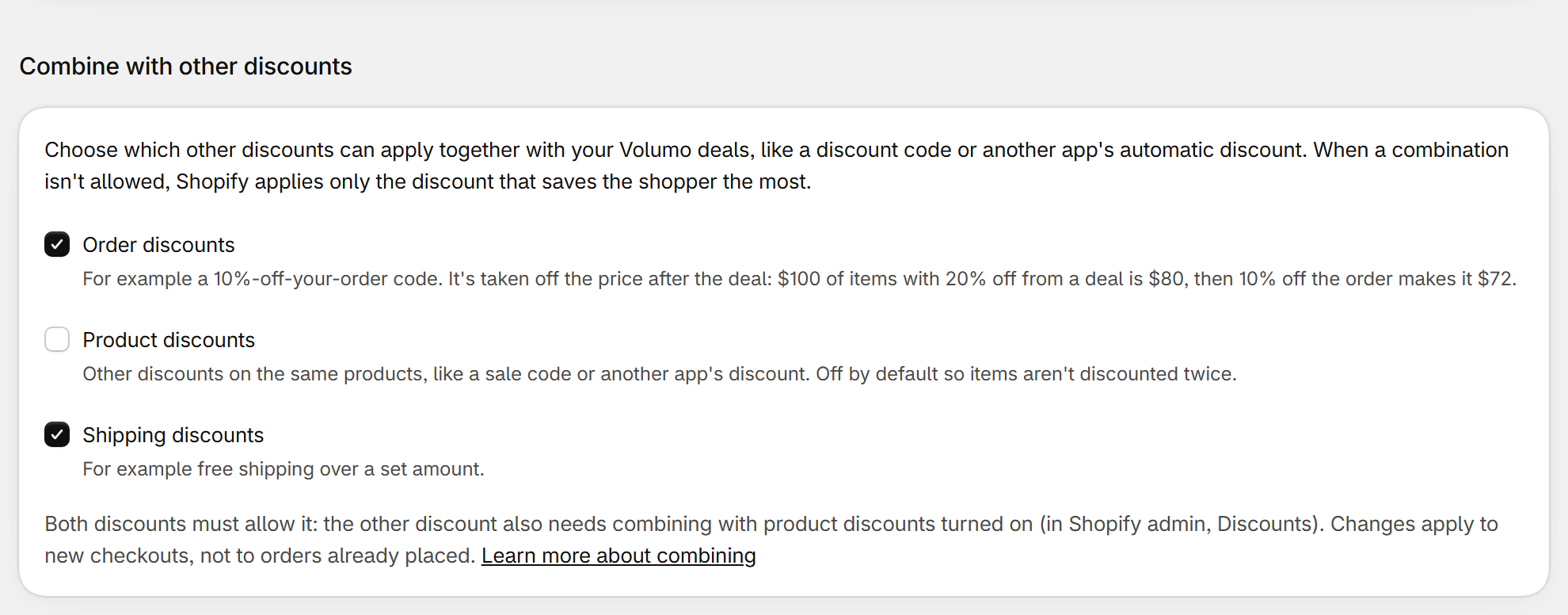
- When two discounts can't combine, Shopify applies only the one that saves the shopper the most.
- Shopify checks both sides: the other discount must also allow combining (Shopify admin > Discounts > the discount > Combinations). Changes apply to new checkouts, not to orders already placed.
| Field | What it does | Default |
|---|---|---|
| Order discounts | For example a 10%-off-your-order code. It's taken off after the deal: $100 of items with 20% off is $80, then 10% off the order makes it $72. | On |
| Product discounts | Other discounts on the same products, like a sale code or another app's discount. Off so items aren't discounted twice; turn on only if your margin covers both. | Off |
| Shipping discounts | For example free shipping over a set amount. | On |
Subscriptions
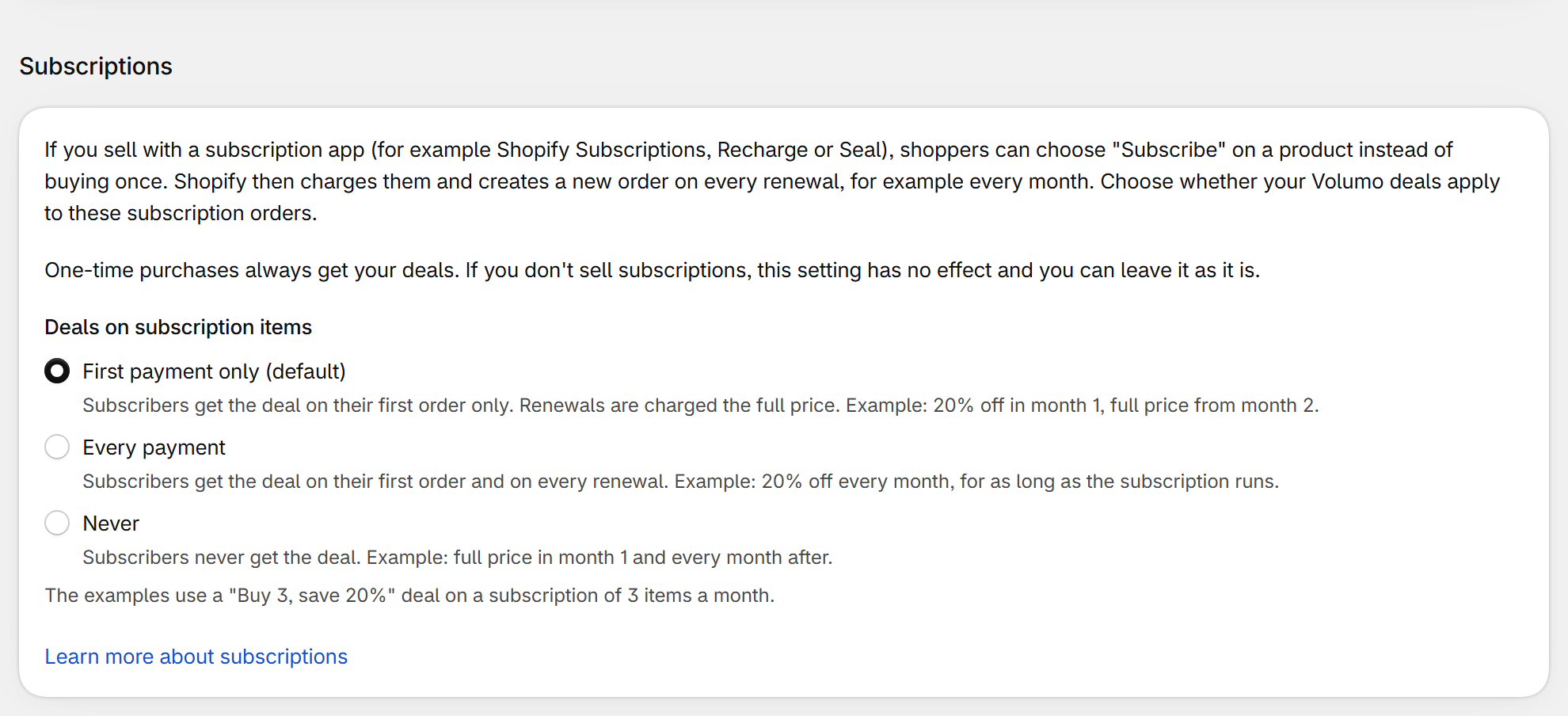
Only matters if you sell with a subscription app (for example Shopify Subscriptions, Recharge or Seal). One-time purchases always get your deals.
| Deals on subscription items | What happens | |
|---|---|---|
| First payment only | Subscribers get the deal on their first order and pay the full subscription price on renewals. | Default |
| Every payment | The discount repeats on every renewal, which lowers your recurring revenue. Subscriptions that already started may keep it even if you change the setting later. | |
| Never | Subscribers always pay full price. The offers still show on the product page, so a shopper who picks a subscription pays more than the offer price shown. |
Button under the offers
| Field | What it does | Default |
|---|---|---|
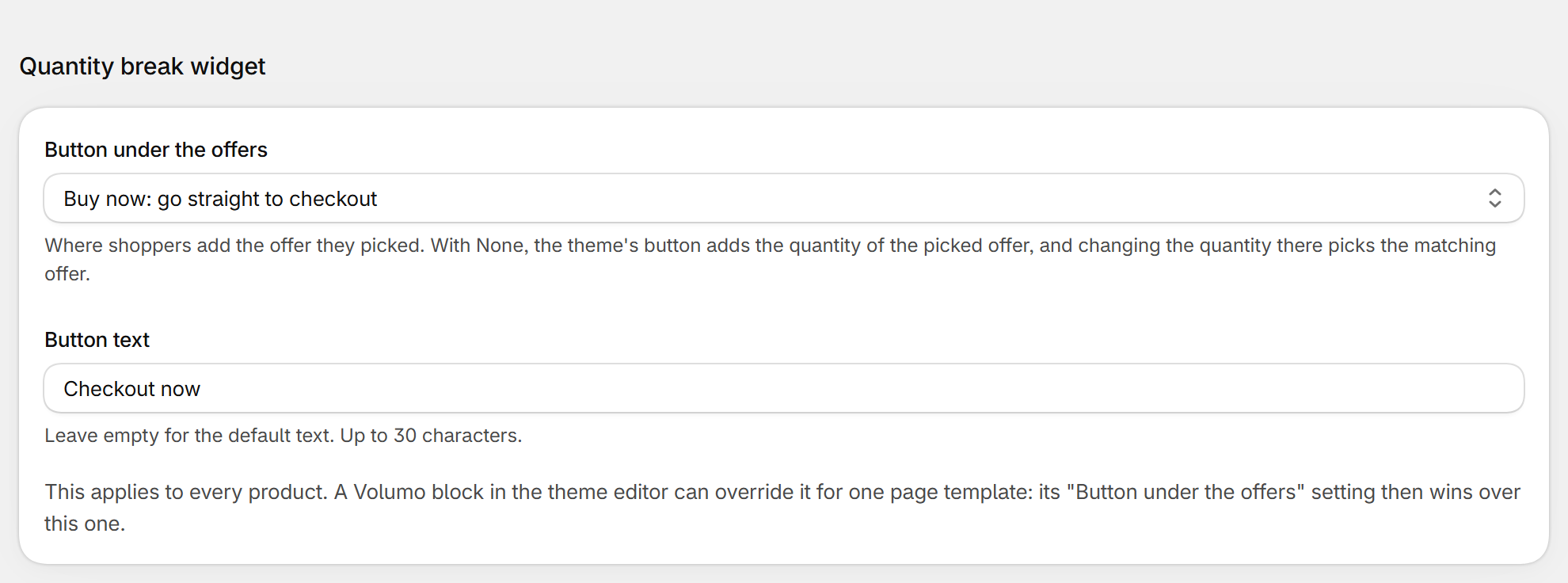
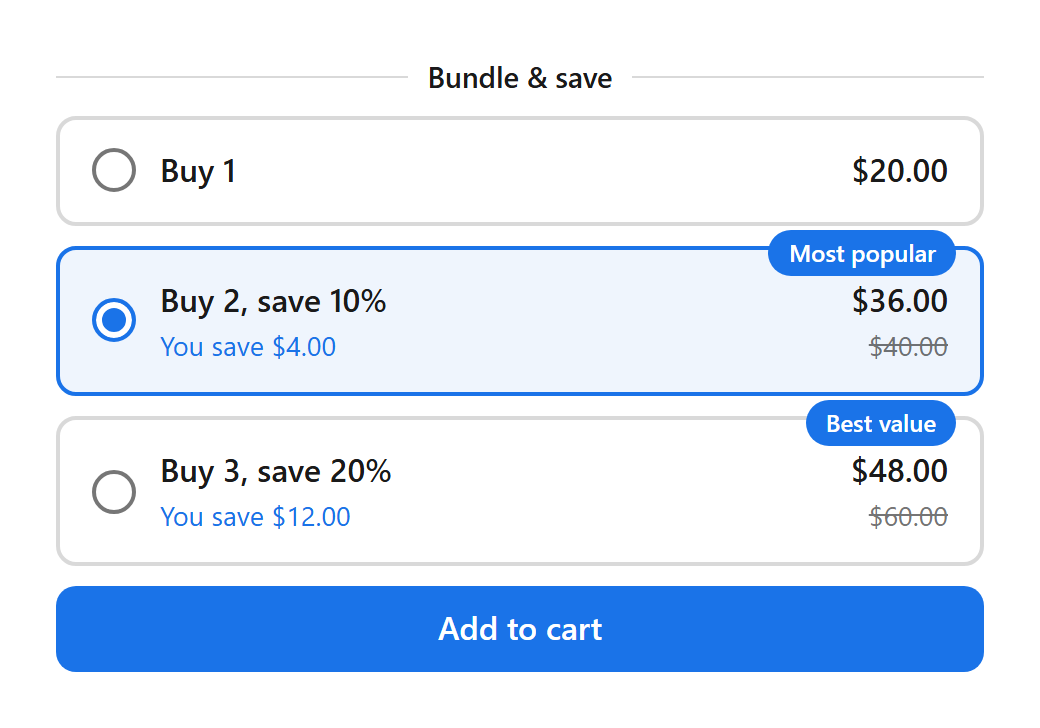
| Button under the offers | None: your theme's button adds the quantity of the picked offer, and changing the quantity there picks the matching offer. Add to cart or Buy now: Volumo shows its own button under the offers. A block can override this. | None |
| Button text | Leave empty for the default text in the shopper's language. | Empty |
Still stuck? Email [email protected].