Schedule and countdown
Run a deal between two dates and show shoppers how long it lasts.
Schedule
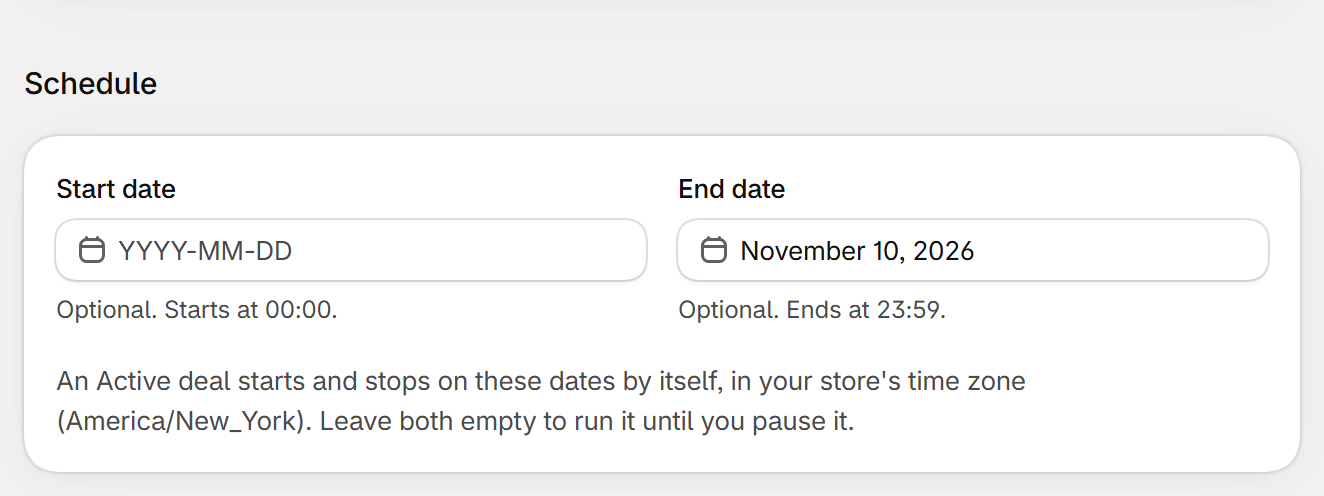
- Leave both empty to run the deal until you pause it.
- The Deals list shows Scheduled before the start and Ended after the end. Volumo turns the deal on and off within a minute of those times, on the product page and at checkout.
| Field | What it does | Default |
|---|---|---|
| Start date | Optional. The deal starts at 00:00 on that day, in your store's time zone. | Empty |
| End date | Optional. The deal stops at 23:59 on that day. Needed for the countdown. | Empty |
Countdown
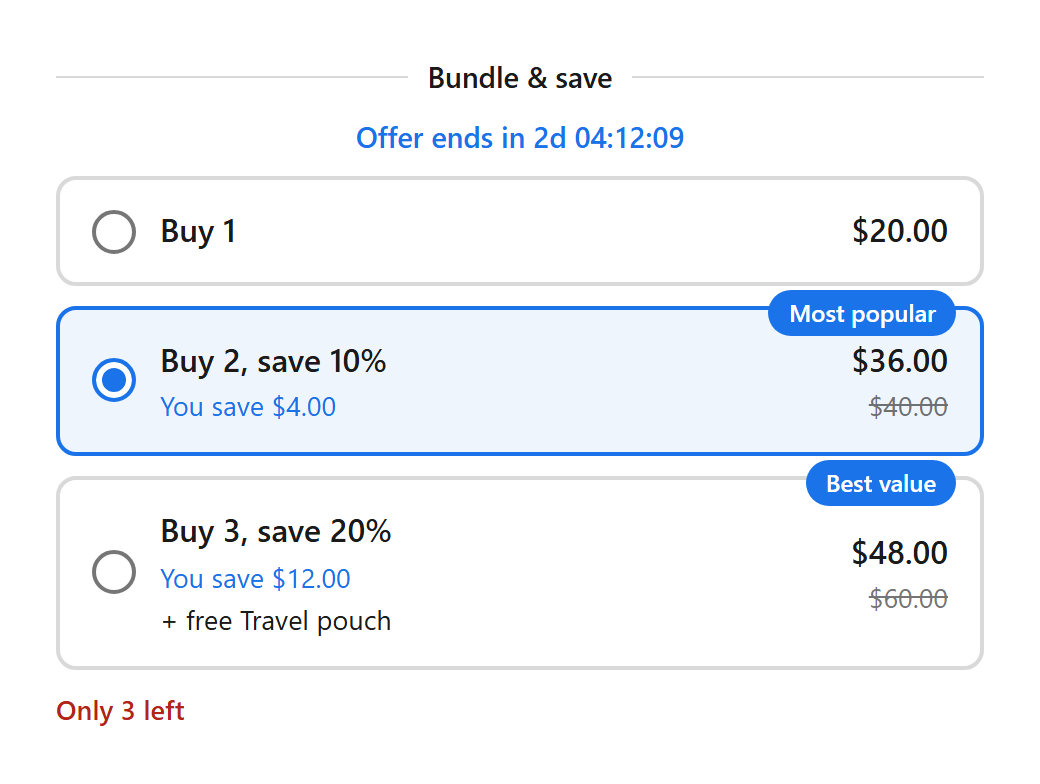
- Set an End date, then tick Show a countdown to the end date under Appearance. The block shows “Offer ends in 2d 04:12:09” and hides it when the deal ends.
- The countdown only works with a real end date, so shoppers never see a fake timer. Change the text with Countdown text in the block settings.
Still stuck? Email [email protected].