Appearance
Templates, colors, urgency and the variant picker of the offers on your product page.
Templates
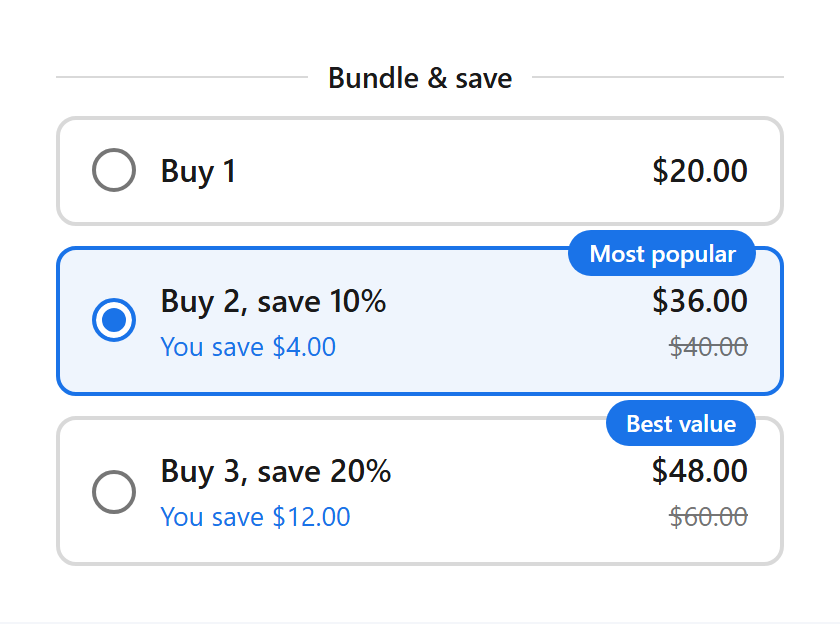
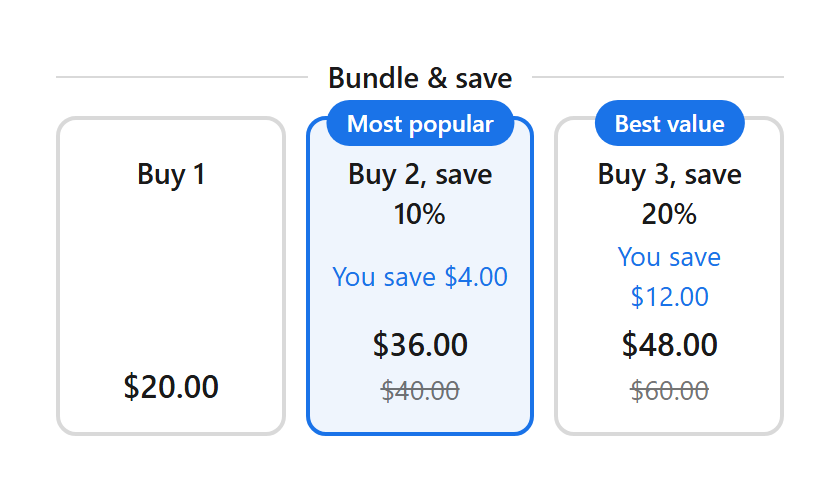
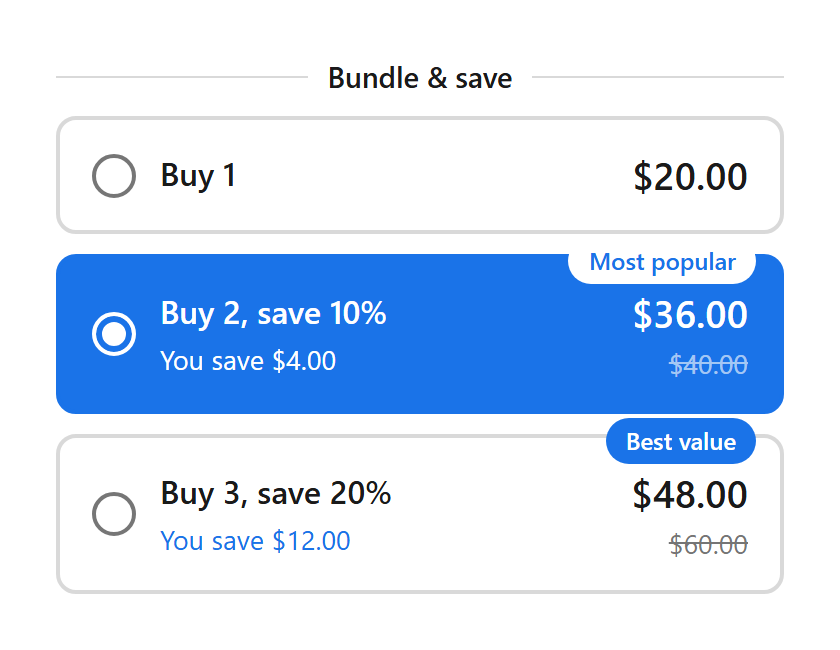
Appearance settings
The live preview in the deal editor updates as you type. Text uses your theme's font.
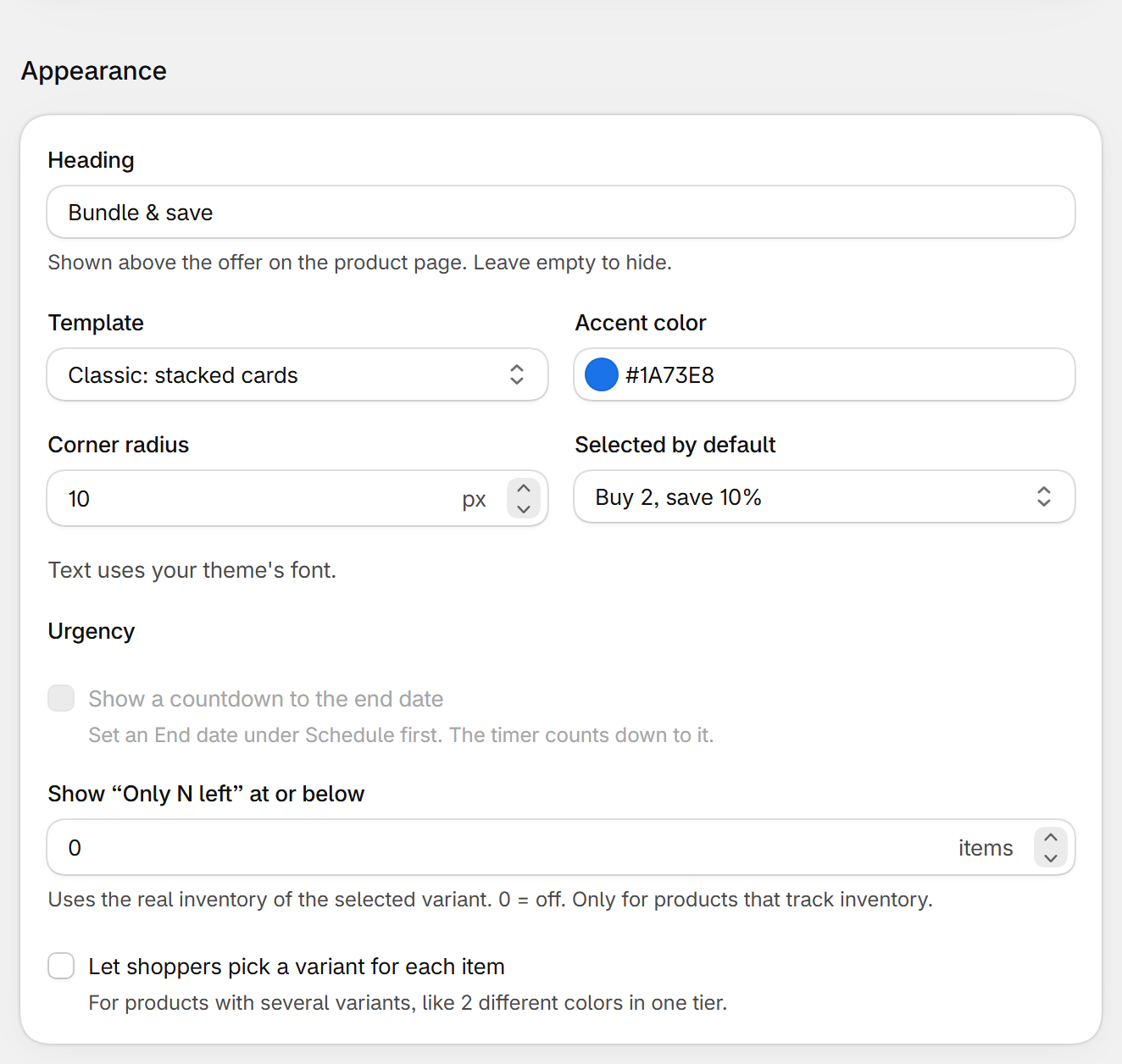
| Field | What it does | Default |
|---|---|---|
| Heading | Shown above the offer on the product page. Leave empty to hide. | Depends on the type, e.g. Bundle & save |
| Template | Classic, Compact or Bold (see above). | Classic |
| Accent color | Border, badge and selected tier color. | #1A73E8 |
| Corner radius | 0 to 24 px. | 10 |
| Selected by default | Quantity breaks: the tier picked when the page opens. Pre-selecting tier 2 usually raises the average order. | Tier 2 |
| Show a countdown to the end date | Needs an End date under Schedule. See Schedule and countdown. | Off |
| Show “Only N left” at or below | Shows “Only 3 left” when the selected variant's real inventory is at or below this number. 0 = off. Only for products that track inventory. | 0 |
| Let shoppers pick a variant for each item | For products with several variants, like 2 different colors in one tier: shoppers get a menu per item. | Off |
Settings in the theme editor
- Savings text, countdown text, the button and the original price are set on the block itself: see Product page block.
Still stuck? Email [email protected].