Free gifts
Give a product with a quantity or spending tier, added to the cart automatically.
Add a gift to a tier
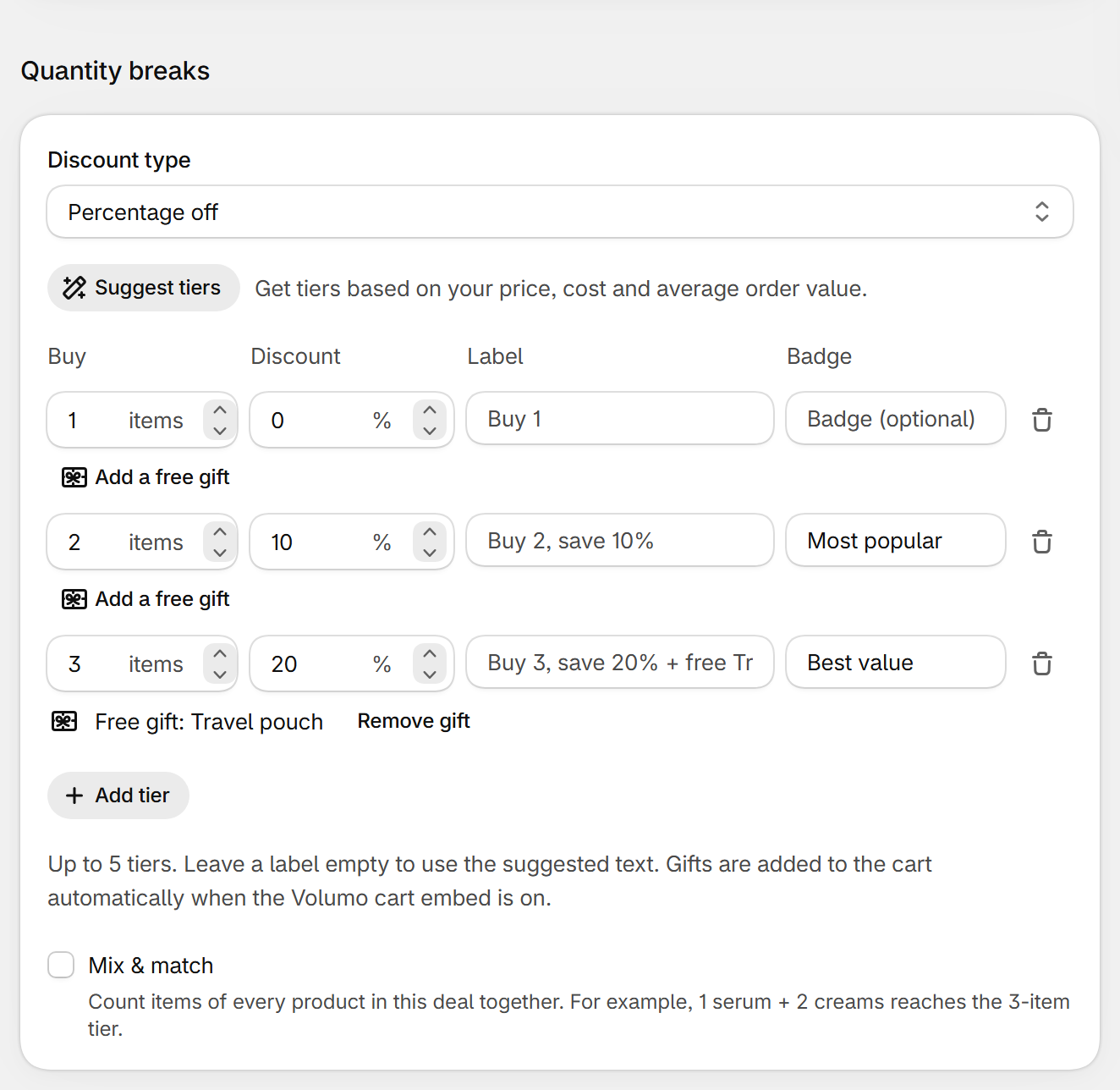
- In a Quantity breaks or Spend more, save more deal, click Add a free gift under a tier.
- Pick a product variant. The tier shows “Free gift: [product]” and the suggested label adds “+ free [product]”.
- Save, and make sure the cart embed is on (see Cart messages and gifts).
What shoppers see
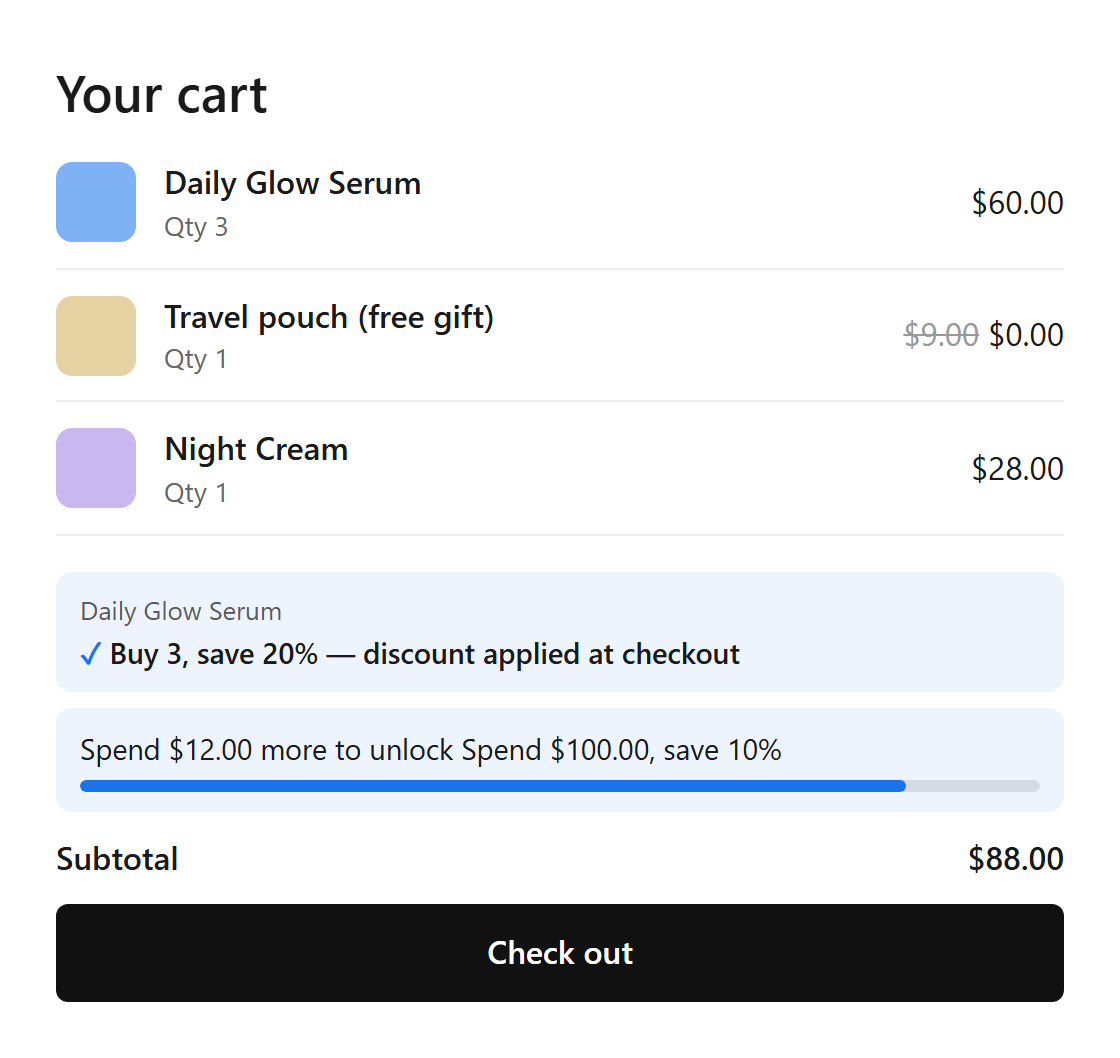
- The product page shows “+ free [gift]” on the tier.
- When the cart reaches the tier, the gift is added; when it drops below, the gift is removed. One gift per tier, free at checkout.
- If the gift is out of stock, it isn't added. Without the cart embed, gifts aren't added.
Still stuck? Email [email protected].